130*365: Shooting Under Fluorescent Lights
We love natural lighting for our photos…but it’s just not always possible. Take, for example, today.
We’re working on a project that involves several trips to our local HomeGoods store (stay tuned for all the details SOON!) and doing a little photography in the pet section of the store. Being a huge store, it is lit with fluorescent lighting. It’s nice and bright but, for photos, it casts a greenish tinge.
Here’s a photo I snapped in the pet section:
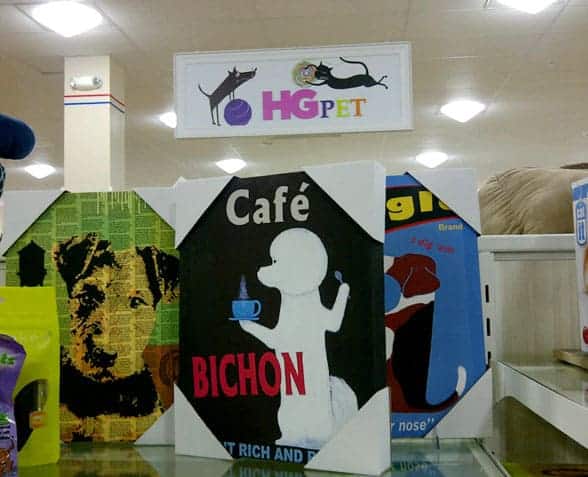
It’s not too off in tone but I wanted to warm it up just a little. You can do this using Photoshop (I used a warming action) or an online photo editing site like PicMonkey or FotoFlexer. Here’s how it looks after warming:
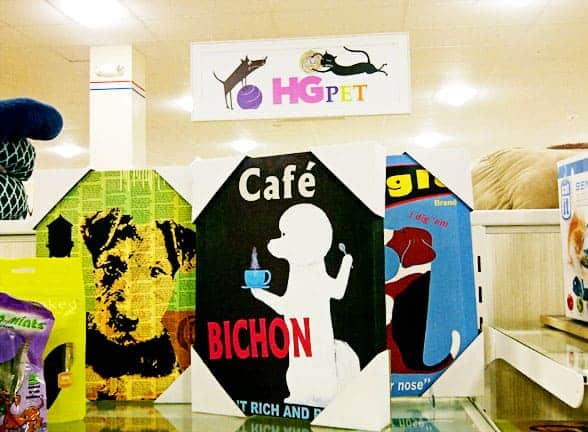
And here’s a shot of some pet bowls I shot in the same section. Here’s the before…
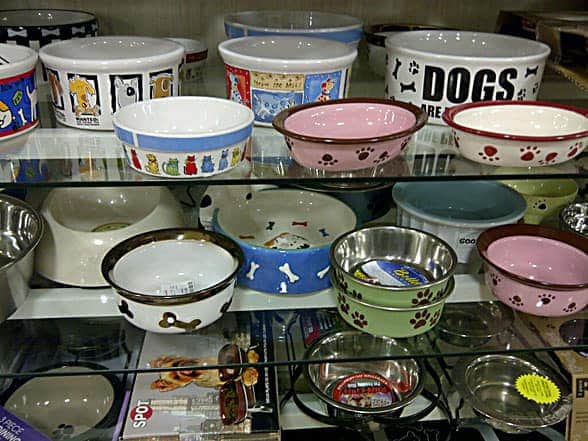
…and here’s the after, once I’ve applied the warming action:
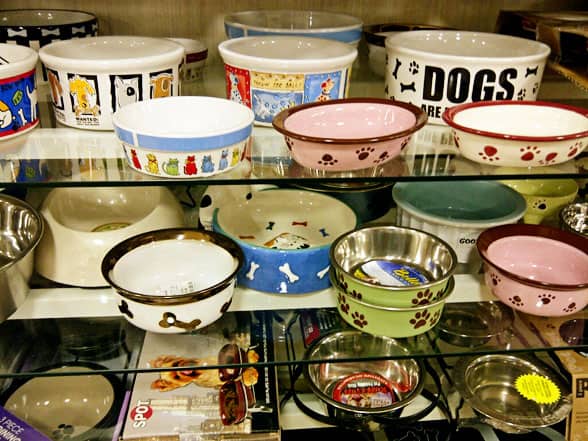
It’s a small thing (and you might not really notice it unless you see the before and after side by side) but running a warming action on your fluorescent light photos can make them more appealing!
- Bear Dog Names: 265+ Names Inspired by Bears - August 22, 2026
- 200+ Police Dog Names: K9-Inspired Names for Dogs Big and Small - August 18, 2026
- What is Scatter Feeding? - August 18, 2026